Email Automation for Hospitality: Complete Zapier Setup Guide for Hotels & Restaurants
Automate guest emails with Zapier to boost repeat bookings by 29%. Complete setup guide for hospitality businesses with workflows and templates.
Contents
Hospitality businesses struggle with guest communication. Manual processes fail at scale. Automated email sequences solve this problem. Zapier’s Starter plan costs $19.99 a month, and most small hotels need the $49 Professional tier.
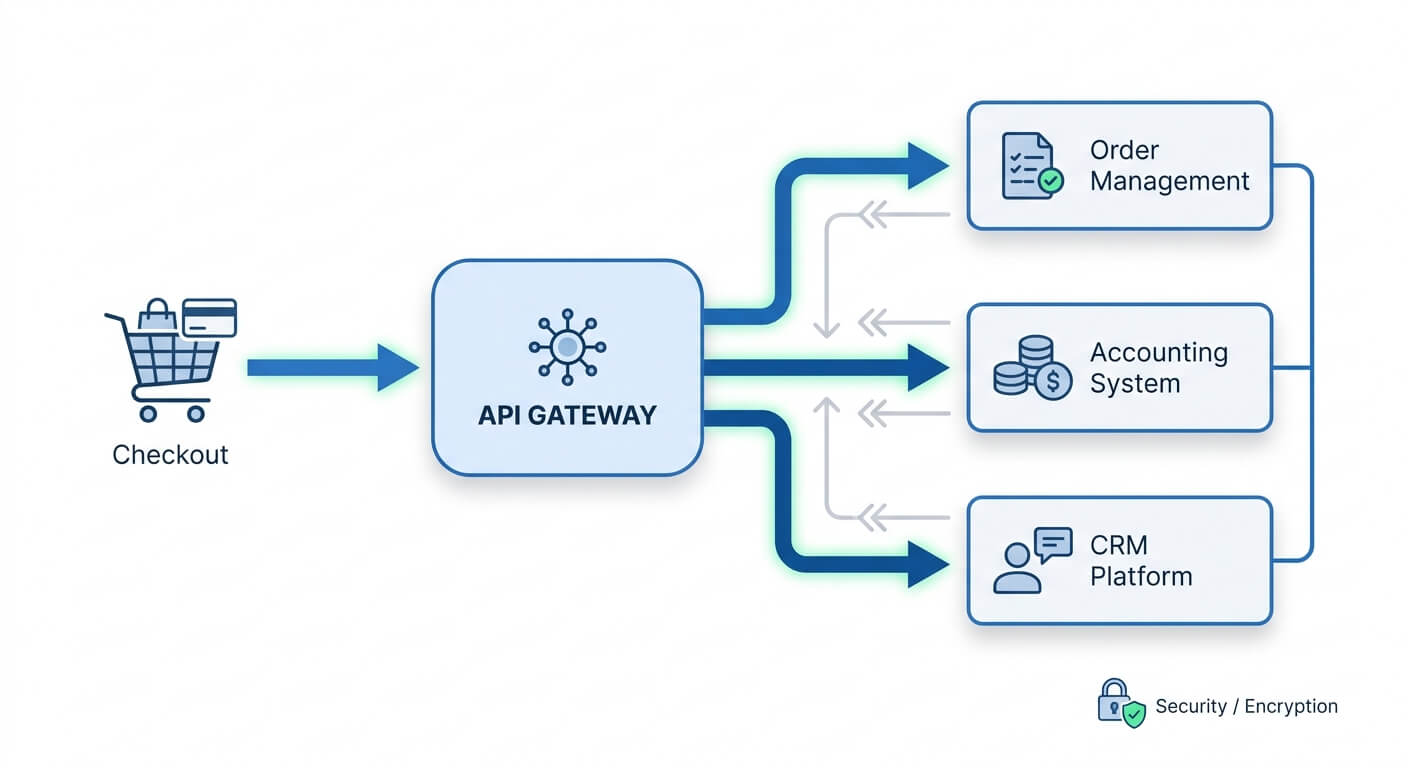
Zapier connects your booking system, CRM, and email platform. It sends the right message at the right moment. A boutique hotel can deploy a complete guest communication workflow in under four hours. No coding is required.
According to industry research, hospitality businesses using automated email sequences see an average 29% increase in repeat bookings compared to manual outreach.
Why Manual Guest Communication Fails Your Business
Guest expectations have changed dramatically. Manual email processes cannot deliver personalisation at scale. Most businesses cannot keep up.
Customers commonly expect companies to understand their unique needs. This level of expectation requires systematic automation to meet consistently.
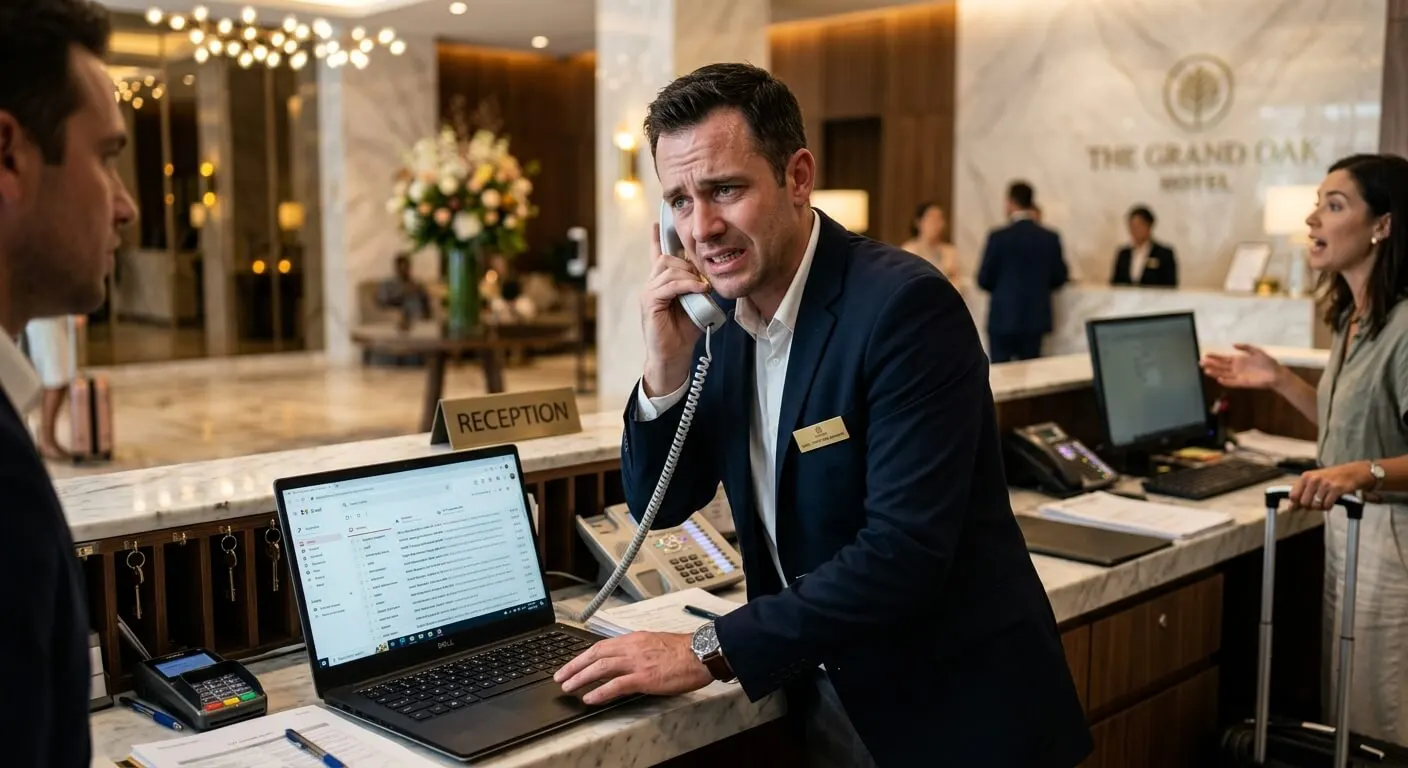
Think about what happens when a guest books a room at your hotel. Someone needs to send a confirmation. Then a pre-arrival email with local tips. Then a check-in reminder. Then a post-stay feedback request.
Each message requires a staff member to remember, write, and send it. Most slip through the cracks.

The maths is brutal. A 50-room hotel with 70% occupancy handles roughly 12,775 guest stays per year. Each guest journey requires five touchpoint emails. That’s 63,875 individual emails.
At three minutes per email, you’re looking at 3,194 hours of work annually. That’s 1.5 full-time staff members doing nothing but sending emails.
Automation eliminates this entirely. Your team focuses on genuine hospitality while Zapier handles the repetitive communication.
The Core Email Sequences Every Hospitality Business Needs
Email automation for hospitality is not about blasting generic newsletters. It’s about creating triggered sequences that respond to guest behaviour.
Here are the five sequences that deliver the highest ROI.
Booking Confirmation Sequence
This triggers immediately when a reservation is made. The sequence includes three key components.
Instant confirmation with booking details and cancellation policy arrives within minutes. 48-hour follow-up presents upsell opportunities like room upgrades and dining packages. Pre-arrival email sent 3 days before check-in includes directions, parking info, and special requests form.
A restaurant version includes the confirmation, menu preview, and dietary requirements form.
Post-Stay Feedback Sequence
Timing matters enormously here. Feedback requests need strategic scheduling for maximum response.
Sending feedback requests soon after checkout tends to yield higher response rates than sending them several days later. This timing window is critical for success.
The sequence should include a brief satisfaction survey. This follows with a Google Reviews request to satisfied guests only. Unhappy guests get routed to your service recovery team instead.
Win-Back Sequence
Guests who haven’t returned in 90 days enter this sequence. You send a “we miss you” message with a modest incentive. Then a second email highlighting what’s new at your property.
Finally, a last-chance offer before they’re marked as dormant.
Seasonal Campaign Sequence
This isn’t purely automated, but Zapier helps enormously. You create a workflow that segments your guest database by past booking patterns.
Guests who visited in summer get autumn offers. Business travellers get weekday rates. Families get school holiday packages.
Loyalty Progression Sequence
After a guest’s second stay, they enter your loyalty nurturing sequence. You acknowledge their repeat visit. You offer exclusive benefits. You gradually increase the rewards.
This builds genuine relationship, not just transactions.
Step-by-Step: Building Your First Zapier Email Workflow
Let’s build a practical booking confirmation workflow. This example uses a common tech stack. A booking engine feeds into a CRM, connected to an email marketing platform.
Step 1: Identify Your Trigger
In Zapier, every automation starts with a trigger. For hospitality email sequences, common triggers include several options.
New booking in your reservation system (Cloudbeds, Little Hotelier, OpenTable) is most common. Form submission on your website works well too. New contact added to your CRM (HubSpot, Pipedrive) provides another option. Tag added in your email platform (Mailchimp, ActiveCampaign) gives granular control.
Log into Zapier and click “Create Zap”. Select your booking system as the trigger app. Choose “New Booking” or equivalent as the trigger event.
Step 2: Map Your Data Fields
This is where most people get confused, but it’s actually straightforward. Your booking system captures guest name, email, check-in date, room type, and special requests. Zapier pulls these fields automatically.
You need to decide which fields your email sequence requires. At minimum: first name, email address, check-in date, and booking reference.
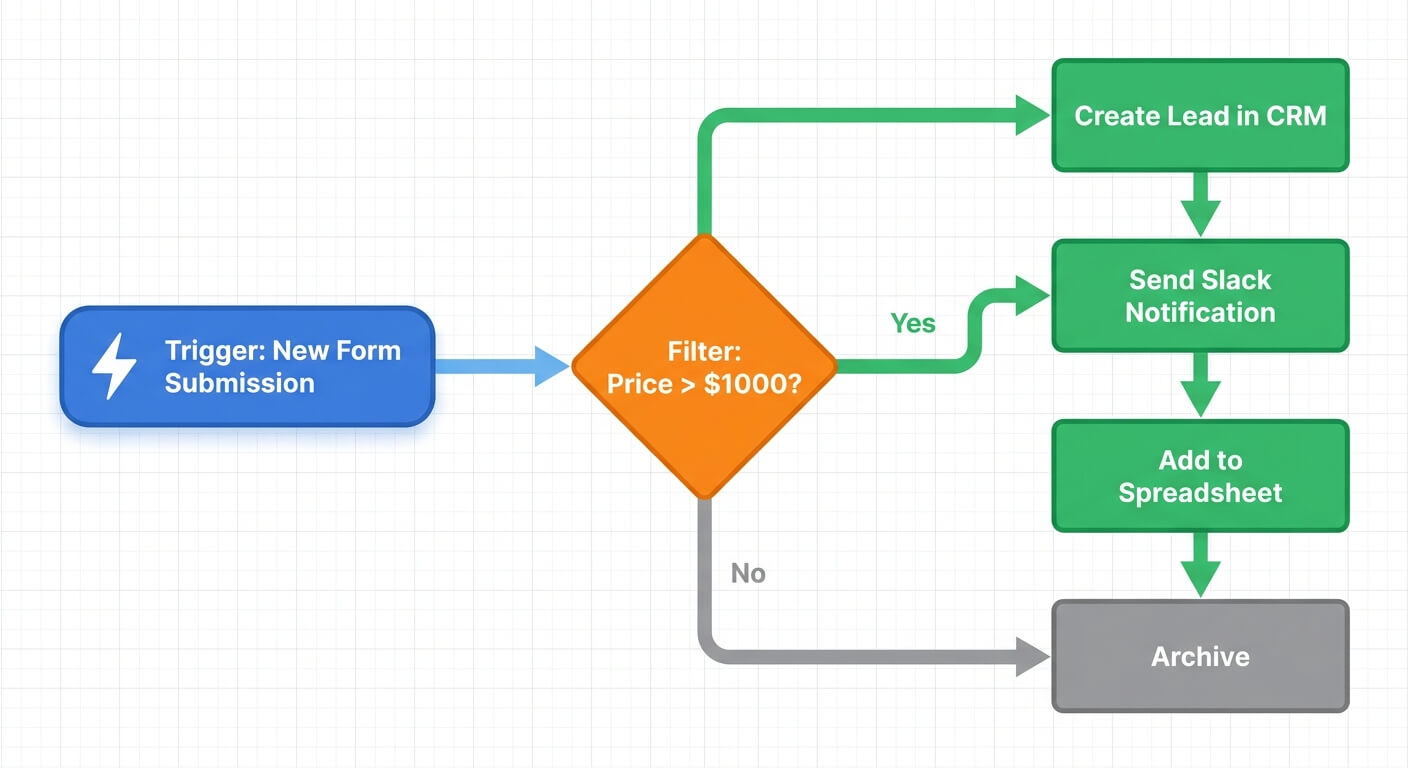
Step 3: Add Filter Logic
Not every booking should trigger the same sequence. Use Zapier’s built-in filters to create branches.
If room type contains “suite”, send VIP welcome sequence. If booking source equals “direct”, send loyalty programme invitation. If check-in date is within 7 days, skip the “3 weeks before” email.
Filters prevent embarrassing mistakes like sending a “book 3 weeks early” discount to someone arriving tomorrow.
Step 4: Connect Your Email Platform
Add an action step connecting to Mailchimp, ActiveCampaign, or your chosen email tool. The action is usually “Add Subscriber to Sequence” or “Create Contact with Tag”.
Map your data fields to the email platform’s fields. First name goes to first name. Check-in date goes to a custom field you’ve created called “check_in_date”. This custom field lets you personalise emails with the actual date.

Step 5: Test Thoroughly
Zapier includes a testing feature. Run a test with sample data before going live.
Check that the correct sequence is triggered. Verify all personalisation fields populate correctly. Confirm date formatting displays properly (02/04/2026 vs April 2, 2026). Make sure the email arrives in inbox, not spam.
Common mistakes include timezone mismatches and date format errors. A guest checking in on “4/2” might see “2nd April” or “February 4th” depending on your settings.
Advanced Automation: Conditional Logic and Delays
Basic workflows handle simple triggers and actions. Advanced workflows add intelligence through conditions and timing.
Open rates in the hospitality industry are tracked as a key email marketing metric. Proper timing and segmentation can push this above 35%.
Using Delay Steps Strategically
Zapier’s Delay action lets you schedule follow-up actions. For a post-stay sequence, follow this pattern.
Trigger: Guest checks out. Delay: Wait 4 hours. Action: Send “How was your stay?” email. Delay: Wait 24 hours.
Filter: If satisfaction score > 4. Action: Send Google Review request.
The delays prevent overwhelming guests while the experience is still fresh.
Connecting Multiple Systems
Real power comes from connecting your entire tech stack. Consider this workflow example.
Guest submits feedback form (Typeform). Response logged in CRM (HubSpot). If rating < 3, create task for manager (Asana). If rating > 4, add to “promoter” segment (Mailchimp). Update guest profile with feedback date (your booking system).
This requires multiple Zap steps, but each connection adds value. Your manager gets alerted to problems immediately. Happy guests get different marketing. Your database stays current.
For more complex multi-system connections, my guide on linking CRM and accounting for seamless data flow covers the technical foundations.
Measuring Success: The Metrics That Actually Matter
Vanity metrics like “emails sent” tell you nothing useful. Focus on these indicators instead.
Email marketing can generate a strong return on investment for businesses. This makes tracking ROI crucial for proving automation value.
Sequence completion rate: What percentage of guests receive all emails in a sequence? Bounces, unsubscribes, and filter exits reduce this. Aim for above 85%.
Reply rate: Automated emails should generate replies. Questions about parking, dining reservations, special requests. A 5-10% reply rate indicates your emails feel personal enough to respond to.
Conversion rate by sequence: Track which sequences drive bookings. Your win-back sequence should convert 2-5% of dormant guests. Your upsell sequence should convert 10-15% of confirmed guests to upgrades or add-ons.
Revenue per automated email: Divide total revenue attributed to email by total emails sent. This gives you a concrete ROI figure. Most hospitality businesses should see $0.50-$2.00 per email sent.
If you’re building ROI calculations for leadership buy-in, my business process automation ROI calculator provides frameworks you can adapt.
Common Mistakes and How to Avoid Them
I’ve helped many hospitality businesses implement email automation. These mistakes appear repeatedly.
Customers commonly get frustrated by needing to repeat their issue to multiple support representatives. This shows why preserving context in automated communications matters.
Over-automating the personal touch: Some interactions should remain human. A complaint response, a special occasion acknowledgment, a VIP welcome. Automation handles volume. Humans handle moments.
Ignoring mobile formatting: 68% of hospitality emails are opened on mobile devices. Test every email on a phone before deployment. Use single-column layouts. Make tap targets large. Minimise images.
Setting and forgetting: Automation doesn’t mean abandonment. Review performance monthly. Update sequences seasonally. Remove offers that have expired. Check that all connected systems still work.
Skipping the opt-out: Legal compliance aside, making unsubscription difficult damages your brand. Make it one click. Honour requests immediately.
For broader guidance on getting your team comfortable with these new systems, see my article on overcoming team resistance to AI in hospitality operations.
Getting Started This Week
You don’t need to build five sequences at once. Start with one workflow that addresses your biggest pain point.
If guests constantly ask the same pre-arrival questions, build that sequence first. If you’re losing repeat guests, start with win-back. If upsell revenue is weak, build a post-booking upgrade sequence.
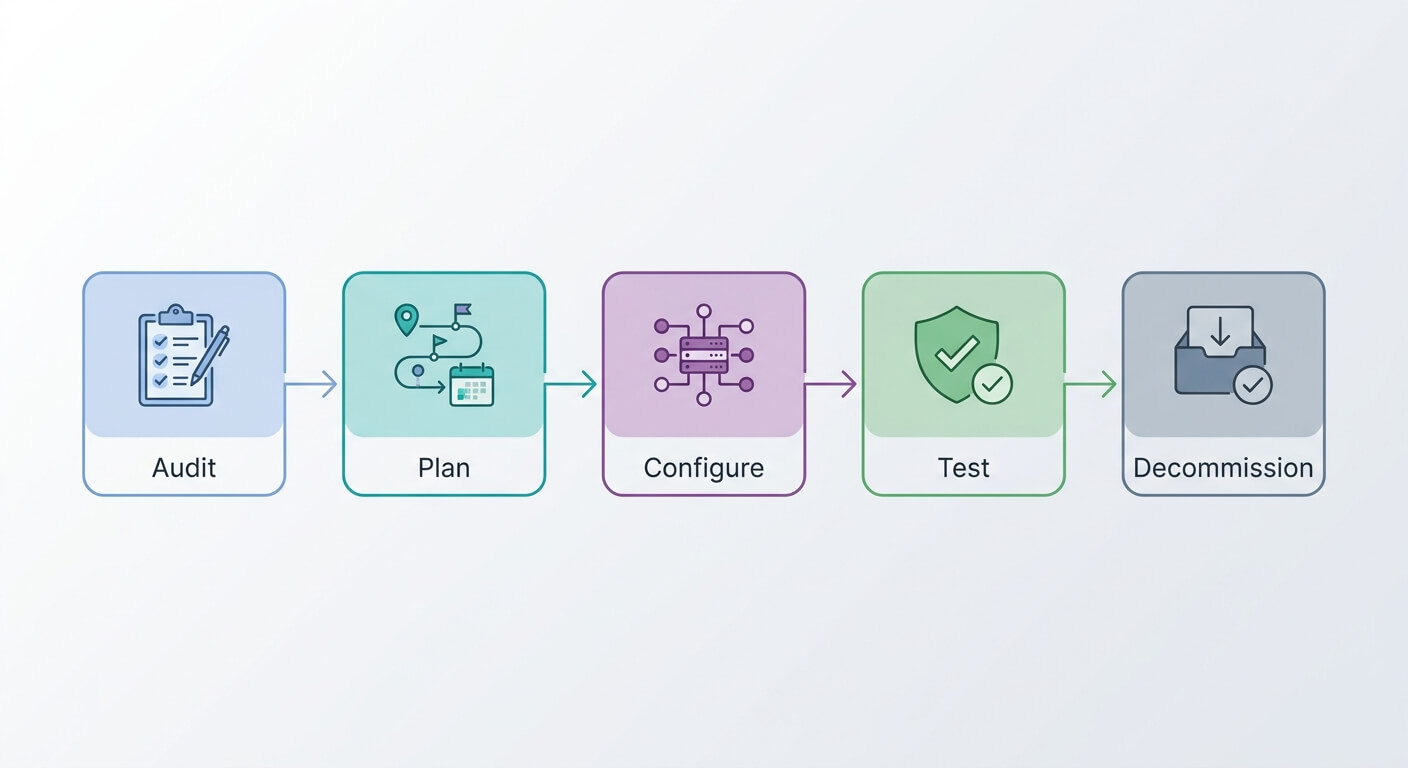
Document your current manual process. Note every email type, timing, and trigger. Then recreate that flow in Zapier. Add filters and delays as needed.
Within 30 days, you’ll have recovered enough staff time to justify expanding to additional sequences. Within 90 days, you’ll wonder how you ever operated without automation.
Frequently Asked Questions
How much does Zapier cost for hospitality email automation?
Zapier’s pricing starts at $19.99/month for the Starter plan. This includes 750 tasks per month. Most small hotels need the Professional plan at $49/month for multi-step Zaps and filters.
A 50-room property typically uses 2,000-5,000 tasks monthly. This fits comfortably within this tier. Enterprise plans exist for larger operations.
Can Zapier connect to my existing booking system?
Zapier integrates with over 6,000 apps. This includes most hospitality booking systems. Popular supported platforms include Cloudbeds, Little Hotelier, Guesty, OpenTable, and Resy.
If your system isn’t directly supported, you can often connect via webhooks. You can also use an intermediary like Google Sheets. Check Zapier’s app directory for your specific tools.
How long does it take to set up a complete email sequence?
A basic three-email sequence takes 2-4 hours to configure. This includes email template creation and testing. Complex sequences with multiple branches and conditions might take 6-8 hours.
The initial setup requires the most time. Subsequent sequences go faster as you learn the platform. You can also duplicate existing workflows.
Will automated emails feel impersonal to my guests?
Not if you design them properly. Use merge fields for personalisation. Write in a warm, conversational tone. Include specific details like room type and check-in date.
Reference their previous stays if applicable. The best automated emails feel like a thoughtful staff member remembered to reach out. Guests rarely notice the automation behind genuine helpfulness.