AI Readiness Audits: The Secret Weapon for Overcoming Team Resistance
Learn how AI readiness audits identify and address team resistance before it derails your automation projects. Practical steps for SMB owners.

Contents
Your team doesn’t hate AI. They hate being blindsided by change that threatens their jobs and routines. An AI readiness audit addresses this directly by identifying resistance points before you spend a single dollar on new tools. Change programmes commonly fail, with employee resistance cited as a primary cause. A proper audit transforms sceptics into advocates by involving them from day one.
Why Most AI Projects Fail Before They Start
Here’s a counterintuitive truth. The biggest risk to your AI investment isn’t the technology. It’s your people. I’ve seen businesses purchase sophisticated automation tools only to watch them gather digital dust. The software works perfectly. Nobody uses it.

Team resistance to AI is a predictable response to uncertainty. Employees who feel excluded from a technology decision resist the result, reliably and predictably. That resistance isn’t irrational. It’s self-preservation.
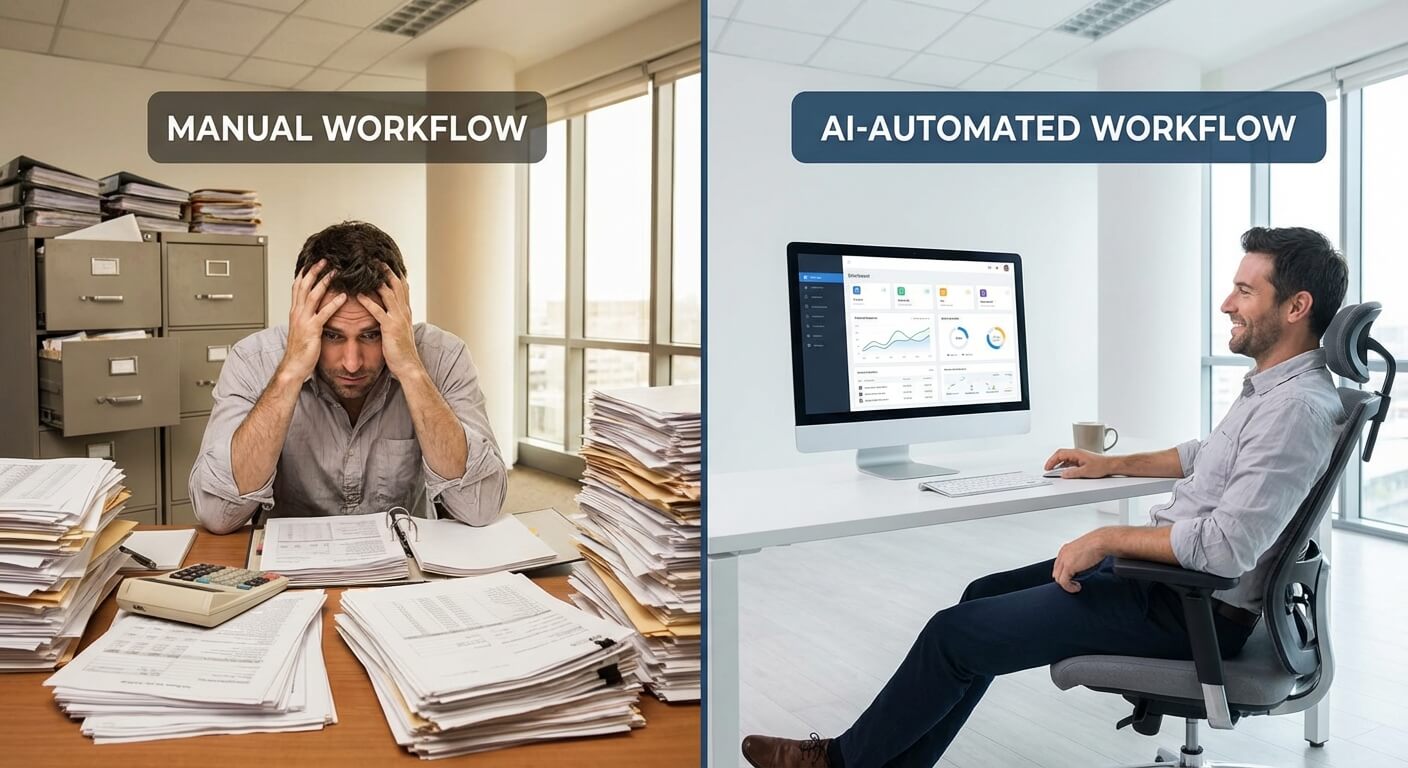
Your accounts team has spent years mastering Excel. Your customer service staff know every quirk of your current CRM. A machinist who can hear when a cutting tool needs changing has built years of expertise into that instinct. Telling any of them “AI will make your job easier” sounds like “AI will make your job disappear.” Without addressing this fear directly, you’re building on sand.
The Hidden Cost of Forcing Change
Forced technology adoption creates three expensive problems. First, productivity drops as staff find workarounds to avoid new systems. Second, your best people leave because they feel devalued. Third, you waste months troubleshooting “technical issues” that are actually human issues.
One manufacturing client I helped had invested $45,000 in inventory automation. Six months later, warehouse staff were still tracking stock on paper spreadsheets “as backup.” The backup became the primary system because nobody trusted the automation. Their readiness audit should have happened before the purchase, not after.
Workforce-related challenges, not technical ones, are the obstacle organisations most often cite when AI adoption stalls. Technology problems ranked a distant second. People determine success more than the software does.
What an AI Readiness Audit Actually Covers
An AI readiness audit is a systematic evaluation of your organisation’s preparedness for automation. It examines three dimensions: technical infrastructure, process maturity, and human factors. Organisations that assess readiness before committing tend to pick better first projects, which is most of what decides whether the programme survives its first year.
The audit isn’t a one-day checkbox exercise. It’s a structured discovery process that typically takes two to four weeks depending on your company size, longer for larger sites running multiple shifts.
Technical Infrastructure Assessment
This component examines your current systems and data quality. Can your existing tools integrate with automation platforms like n8n or Zapier? Is your data clean, consistent, and accessible? Do you have the security protocols needed for AI tools?
Many SMBs discover surprising gaps here. A retail client assumed their point-of-sale system could feed data to AI forecasting tools. The audit revealed their POS exported data in a proprietary format that required expensive custom middleware. Knowing this early saved them from a failed implementation.
Process Maturity Evaluation
Before automating a process, you need to understand it thoroughly. The audit maps your current workflows, identifies bottlenecks, and spots processes that are genuinely ready for automation versus those that need fixing first.
Not every process should be automated. Some are too variable. Others are too critical to risk disruption. The audit helps you build a sensible roadmap based on actual readiness, not wishful thinking.
If your business runs shifts, check the audit covers how information currently flows between them. A gap that’s invisible on day shift can become a serious knowledge loss on the shift nobody’s watching. Where the workforce is unionised, involve union representatives early too. They can shape the audit process and carry findings back to members far more credibly than a memo from management can.

Human Factors Analysis
This is where resistance lives, and where the real value of an audit emerges. The human factors component includes:
- Skills inventory: What technical capabilities does your team actually have? Gather this through self-assessment, manager observation, and peer feedback. Peers are often the most accurate judges of a colleague’s real skill level.
- Change readiness scoring: How has your team responded to past changes?
- Fear mapping: What specific concerns do different roles have about AI?
- Influence network analysis: Who are the informal leaders whose buy-in matters most?
The fear mapping exercise consistently surprises business owners. Your receptionist might worry about chatbots replacing her. Your sales manager might fear that lead scoring will expose his gut-feel approach as ineffective. Your IT person might resent being bypassed by no-code tools. Each concern requires a different response.
Avoid reducing the skills inventory to a single “digital skills score” that turns people into numbers. Map ability across different areas instead. One client found their night shift had noticeably stronger computer skills than day shift, simply because younger staff preferred those hours. That single finding changed the order they ran their pilot programmes in.
Running the Human Factors Assessment
The human factors assessment requires direct conversation with your team. Anonymous surveys help, but one-on-one interviews reveal the real concerns people won’t put in writing.
Start by explaining the purpose honestly. Tell your team you’re exploring automation options and want their input before making decisions. This framing matters enormously. “I want your input” is different from “I’m doing this and need you to comply.”
Questions That Surface Real Concerns
Avoid leading questions like “Are you excited about AI?” Instead, use open-ended prompts:
- “What’s the most frustrating part of your daily work?”
- “If you could eliminate one task from your job, what would it be?”
- “What would need to be true for you to trust an automated system with [specific task]?”
- “What’s worked and what hasn’t when new tools were introduced before?”
The answers reveal both opportunities and obstacles. When someone says “I’d love to stop manually entering invoice data,” that’s an automation opportunity with built-in support. When they say “I don’t trust any system to handle customer complaints,” that’s a boundary to respect, at least initially.
Identifying Your Change Champions
Every organisation has informal influencers. These aren’t always managers. Often they’re long-tenured staff whose opinions carry weight, or tech-curious team members others turn to for help with their computers.
Your audit should identify these people explicitly. Win them over first, and they’ll help you win everyone else. Ignore them, and they’ll lead the resistance.
One hospitality client discovered their night-shift supervisor was the key influencer for their entire operations team. He was initially sceptical about AI scheduling tools. After I involved him in testing and incorporated his feedback, he became the system’s biggest advocate. His endorsement mattered more than any executive memo.
Converting Audit Findings into Action
A readiness audit is worthless without follow-through. The findings should drive a concrete action plan that addresses resistance before you deploy any technology.
Building Role-Specific Reassurance
Generic “AI won’t replace you” messaging doesn’t work. People need specific reassurance about their specific role. Psychologists call this “procedural justice”: people accept outcomes they don’t love when they believe the process getting there was fair. Workers who participate meaningfully in how automation gets designed show far higher acceptance than those who simply have a system imposed on them.
For each job function affected by planned automation, document:
- What tasks will change
- What new responsibilities will emerge
- What skills training you’ll provide
- How performance expectations will adjust
- What happens to anyone whose role is genuinely displaced, in writing, not as a verbal promise
Share this individually with affected staff before any company-wide announcements. Private conversations build trust. Public proclamations raise defences.
Creating Early Wins
Start with automation projects that clearly help rather than threaten. Automating invoice processing doesn’t threaten your finance team if you frame it as eliminating tedious data entry so they can focus on analysis. Implementing meeting transcription AI helps everyone without threatening anyone’s job.
These early wins create positive associations with AI. They demonstrate that automation is a tool for making work better, not a replacement for workers. Where results improve because of the change, share the gains with the people who made it work, not just the balance sheet.
Setting Realistic Timelines
Rushed implementations breed resistance. Your audit findings should inform a phased timeline that allows for:
- Adequate training before go-live
- Parallel running periods where old and new systems coexist
- Feedback loops that let staff report problems without fear
- Visible responsiveness to legitimate concerns
Most SMBs try to move too fast. A six-month implementation timeline that succeeds beats a three-month timeline that fails and poisons the well for future projects.
Common Resistance Patterns and How to Address Them
After conducting readiness audits across many businesses, I’ve identified recurring resistance patterns. Recognising them helps you respond appropriately.
The Expertise Protector
This person has built their value around specialised knowledge. They fear AI will devalue their expertise. Response: position them as the expert who will train and oversee the AI system. Their knowledge becomes more valuable, not less.
The Burned Veteran
This person remembers the last three “revolutionary” systems that failed or made their job harder. They’re not resistant to change itself, but to poorly executed change. Response: acknowledge past failures explicitly. Explain what you’re doing differently this time. Give them veto power over features that affect their work.
The Technically Anxious
This person struggles with existing technology and fears AI will be even more confusing. Response: invest heavily in training and support. Pair them with a patient mentor. Start with the simplest possible automation that delivers visible benefit.
The Philosophical Objector
This person has genuine ethical concerns about AI, perhaps related to data privacy or job displacement in society broadly. Response: take their concerns seriously. Explain your approach to data security and responsible AI implementation. Not every concern has a solution, but respectful engagement matters.
Some resistance persists even after all this. Work individually with anyone still against it to understand their specific issue rather than treating them as a single group. Sometimes they’ve spotted a genuine risk others missed. Other times, redeployment to a different role makes more sense than pushing them through it.
Measuring Readiness Improvement
Your initial audit establishes a baseline. But readiness isn’t static. As you address concerns and implement early wins, you should see measurable improvement.
Track these indicators quarterly:
- Voluntary tool adoption rates: Are people using new systems without being forced?
- Support ticket sentiment: Are questions curious or hostile?
- Suggestion volume: Are staff proposing new automation ideas?
- Training completion rates: Are people engaging with learning opportunities?
Improvement in these metrics signals genuine readiness for more ambitious automation projects. Stagnation signals unresolved resistance that needs attention.
Frequently Asked Questions
How long does an AI readiness audit take?
Most SMB readiness audits take two to four weeks to complete properly. The technical assessment typically requires one week. Process mapping adds another week. Human factors interviews and analysis need at least two weeks to conduct sensitively. A larger site running multiple shifts can take longer still. Rushing this phase creates blind spots that surface painfully later. Invest the time upfront.
Should the audit be run internally or by an external consultant?
External auditors bring objectivity that internal assessments lack. Your team will share concerns with outsiders they wouldn’t tell their boss. External experts also benchmark your readiness against other organisations. However, internal champions should participate actively. The combination of external objectivity and internal knowledge produces the best results for most SMBs.
What if the audit reveals the team isn’t ready for AI?
That’s valuable information, not a failure. The audit tells you what specific gaps need addressing. Perhaps you need skills training first. Perhaps you need to resolve trust issues from past technology failures. Perhaps you should start with simpler automation before tackling complex AI. Knowing you’re not ready prevents expensive mistakes and gives you a clear improvement roadmap.
How should resistant workers be handled after the audit?
Some resistance is healthy scepticism worth listening to. Persistent resistance usually signals an unaddressed concern or a genuine implementation problem, not stubbornness. Talk to the person individually to understand what’s actually behind it. Occasionally they’ve seen a risk you missed. Where the issue really is the role rather than the tool, redeployment is a fairer outcome than forcing it through.