AI Workflow Automation for Operations Teams: A Practical Implementation Guide
Learn how AI workflow automation for operations teams cuts manual tasks by 40%+. Practical steps, real tools, and proven strategies for SMB operations managers.

Contents
Why Operations Teams Are Drowning in Manual Work
Operations teams using AI workflow automation report reductions in time spent on repetitive tasks. The biggest wins come from automating data entry, status updates, and cross-system synchronisation. These aren’t glamorous tasks, but they consume hours every week. For SMBs with lean teams, reclaiming that time means the difference between firefighting and actual strategic work. Platform costs run from $0 for self-hosted n8n to $50 to $500 a month for cloud tools like Zapier, with complex multi-system implementations at $5,000 to $15,000.
Here’s the uncomfortable truth most operations managers already know: your team spends more time copying data between systems than actually improving processes. That invoice approval sitting in someone’s inbox? It’s been there for three days. The inventory update that should sync automatically? Someone’s doing it manually in a spreadsheet.
This isn’t a technology problem. It’s a workflow problem. And AI workflow automation for operations teams solves it by handling the boring, repetitive work that humans shouldn’t be doing anyway.

The counterintuitive insight here is that operations teams often resist automation because they fear losing control. But the opposite happens. When you automate status updates and data transfers, you gain visibility you never had before. Every action gets logged. Every handoff gets tracked. You end up with more control, not less.
What AI Workflow Automation Actually Means for Operations
AI workflow automation combines traditional rule-based automation with machine learning capabilities that can handle exceptions, categorise inputs, and routing decisions. Unlike simple “if this, then that” automations, AI-powered workflows adapt to variations in data quality, format, and context. This means fewer failures when real-world messiness enters your systems.
Traditional automation breaks when something unexpected happens. An invoice arrives in a slightly different format, and the whole process stops. Someone has to intervene manually. AI changes this equation.
The Three Layers of Operations Automation
Rule-based automation handles the predictable stuff. When a new order comes in, create a task in your project management system. When an invoice gets approved, update the accounting software. These are simple triggers and actions.
AI-enhanced automation adds intelligence. It can read an email, understand the intent, categorise the request, and route it to the right person. It can look at an invoice, extract the relevant data regardless of format, and enter it into your system.
Predictive automation goes further still. Based on historical patterns, it anticipates needs. Stock running low? The system notices the trend and triggers a reorder before anyone asks. Customer complaint coming in? Route it to your best support person because the AI recognises the urgency signals.
For most SMB operations teams, the sweet spot is that middle layer. You don’t need predictive analytics on day one. You need systems that can handle variation without breaking.
The Real Cost of Manual Operations Workflows
Knowledge workers spend a considerable amount of their time on “work about work”: status updates, searching for information, and duplicate data entry. For a 10-person operations team, that’s three full-time employees worth of effort going into administrative overhead rather than productive work.
Let’s make this concrete. Your operations coordinator processes 50 purchase orders per week. Each one takes 12 minutes: checking details, entering data into your ERP, updating the spreadsheet tracker, sending confirmation emails. That’s 10 hours weekly on a single repetitive process.
With document processing automation, that same process takes 2 minutes per order for exception handling, with the rest happening automatically. Your coordinator gets 8 hours back every week.

The Hidden Costs You’re Not Counting
Beyond direct time savings, manual workflows create costs that don’t show up on any report:
- Error correction: Manual data entry has a 1-4% error rate. Each error creates downstream problems that take longer to fix than the original task.
- Context switching: Every time someone stops strategic work to handle an administrative task, there is a real cost to getting back in. Harvard Business Review’s study of application toggling put the reorientation cost at roughly 9% of the working week.
- Knowledge silos: When processes live in people’s heads rather than automated systems, you lose institutional knowledge every time someone leaves or goes on holiday.
- Delayed decisions: If your data is manually updated, it’s always slightly out of date. You’re making decisions on yesterday’s information.
Five High-Impact Workflows to Automate First
Operations teams that automate their top five repetitive workflows typically recover 15-20 hours per week within the first month of implementation. The key is starting with processes that are frequent, rule-based, and cross multiple systems. These characteristics make them ideal candidates for automation while delivering immediate, measurable returns.
1. Purchase Order Processing
When a purchase request comes in (via email, form, or your procurement system), AI extracts the relevant details, checks budget availability, routes for approval based on amount thresholds, and creates the PO in your ERP. No human touches it unless there’s an exception.
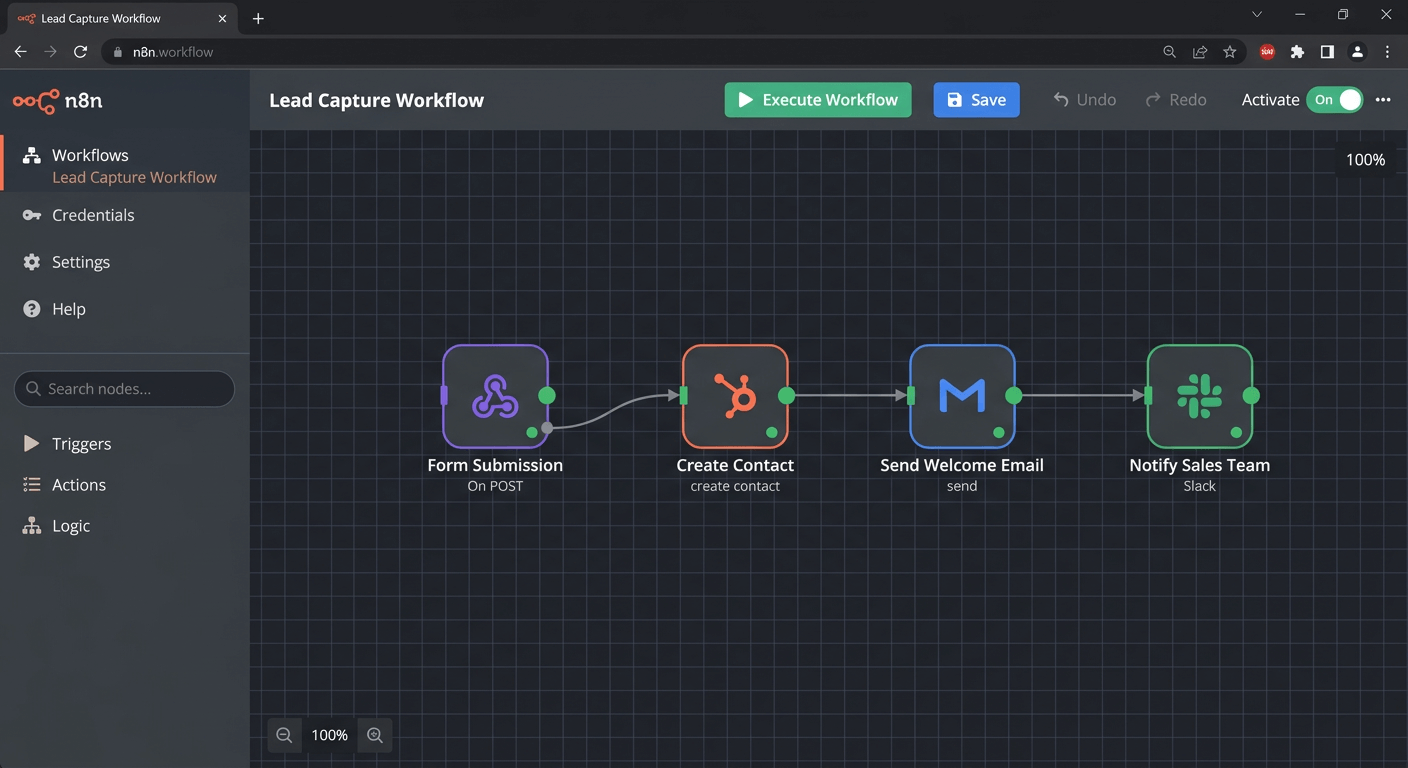
Tools like n8n can connect your email, approval system, and accounting software. Automating invoicing follows similar patterns and often gets implemented alongside PO automation.
2. Inventory Status Updates
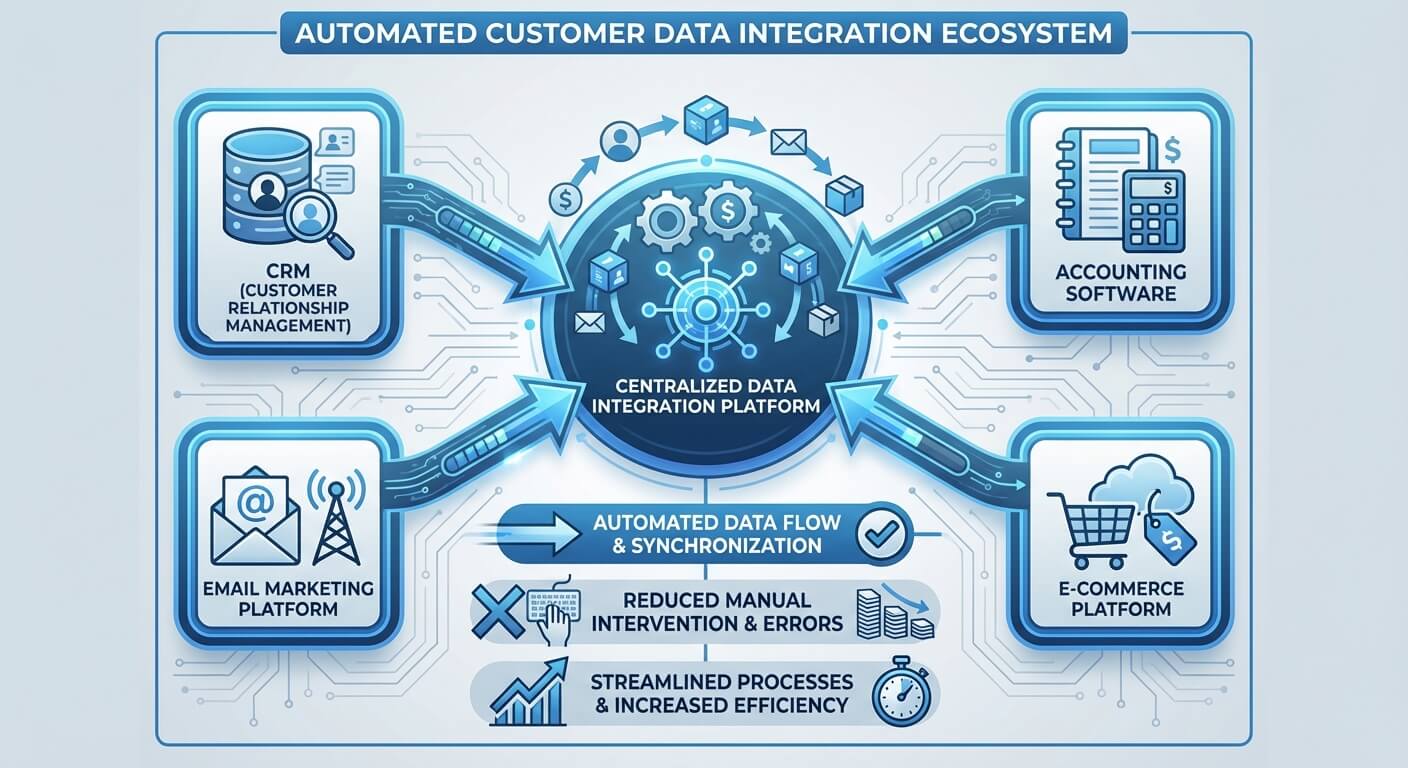
Your warehouse management system knows stock levels. Your sales team’s CRM doesn’t. Someone ends up manually checking inventory before confirming orders. This is exactly the kind of system integration that should happen automatically.
Set up a workflow where inventory changes trigger updates across all relevant systems. Low stock? Automatically notify purchasing. Stockout on a popular item? Flag it for the sales team immediately.
3. Customer Communication Routing
AI can read incoming customer emails, categorise them by type and urgency, and route them to the appropriate team member. Billing question? Goes to finance. Technical issue? Goes to support. Urgent complaint? Gets escalated immediately with all relevant context attached.
This isn’t about replacing human judgment. It’s about ensuring the right human sees the right message faster.
4. Reporting and Status Updates
How much time does your team spend compiling weekly reports? Pulling data from three systems, formatting it in a spreadsheet, and emailing it to stakeholders?
Automate the entire thing. Schedule workflows that pull data, generate reports, and distribute them automatically. Your team reviews and adds commentary rather than building reports from scratch.
5. Onboarding Task Sequences
New employee starts Monday. Someone needs to create accounts, assign equipment, schedule training, and notify relevant departments. Instead of a checklist that someone manually works through, trigger the entire sequence automatically when HR marks the employee as starting.

Choosing the Right Automation Platform
The automation platform market has consolidated around a few key players, each suited to different operational needs. In my experience SMBs get the best results from platforms that balance power with usability, avoiding both oversimplified tools and enterprise-grade complexity.
n8n: Best for Technical Operations Teams
n8n is open-source, self-hosted, and incredibly flexible. If your operations team includes someone comfortable with technical configuration, n8n offers unmatched customisation. You can build workflows that would be impossible in more constrained platforms.
My complete n8n guide covers setup and best practices. The learning curve is steeper than Zapier, but the ceiling is much higher.
Zapier: Best for Speed and Simplicity
Zapier wins on ease of use. Non-technical team members can build useful automations in hours rather than days. The trade-off is less flexibility and higher costs at scale. For operations teams wanting quick wins without dedicated technical resources, Zapier often makes more sense.
Many businesses start with Zapier for simple automations and move to n8n for more complex workflows as their needs grow.
When to Bring in Custom Development
Sometimes off-the-shelf platforms can’t handle your specific requirements. Legacy systems with limited APIs, unusual data formats, or complex business logic might require custom solutions. This is where process optimisation consulting helps: understanding when to build versus buy.
Implementation: Getting Your Team on Board
Technology adoption fails more often due to human factors than technical limitations. Change management is a critical factor in the success of digital transformation initiatives. Getting your operations team genuinely excited about automation matters more than choosing the perfect platform.
Start With Pain, Not Technology
Don’t announce “we’re implementing AI automation.” Instead, ask your team: “What tasks do you hate doing? What repetitive work drives you crazy?” Build your automation roadmap around their frustrations.
When people see automation solving problems they actually care about, resistance evaporates. Building your AI roadmap should always start with this human element.
Run a Pilot With Quick Wins
Pick one workflow. Automate it. Show results within two weeks. Nothing builds momentum like visible success. Your pilot should be important enough to matter but simple enough to succeed quickly.
Document Everything
Automated workflows need documentation just like manual processes. What triggers the workflow? What are the expected outcomes? What exceptions might occur? Who handles problems?
This documentation serves two purposes: it makes troubleshooting easier, and it builds institutional knowledge that survives staff turnover.
Measure and Communicate Results
Track time saved, errors prevented, and cycle times reduced. Share these metrics with your team and leadership. Quantified success makes the case for expanding automation to additional workflows.
A business process automation ROI calculator helps frame these conversations in terms leadership cares about.
Common Mistakes and How to Avoid Them
Automation projects fail most often when teams try to automate broken processes rather than fixing them first. Automation initiatives can underperform when the underlying process is flawed. Automating a bad process just produces bad results faster.
Mistake 1: Automating Without Understanding
Before you automate any workflow, map it completely. Every step, every decision point, every exception. You’ll often discover that the current process is unnecessarily complex. Simplify first, then automate.
Mistake 2: Ignoring Exception Handling
Automated workflows will encounter situations they weren’t designed for. Build in graceful failure modes. When something unexpected happens, the system should alert a human rather than silently failing or creating garbage data.
Mistake 3: Over-Automating Too Fast
Automation creates dependencies. If your entire operation relies on automated workflows and something breaks, you need recovery plans. Roll out automation incrementally, ensuring each piece is stable before adding more.
Mistake 4: Forgetting Maintenance
APIs change. Systems get updated. Business requirements evolve. Automated workflows require ongoing attention. Assign ownership for each major workflow and schedule regular reviews.
Frequently Asked Questions
How long does it take to implement AI workflow automation?
Most SMB operations teams can implement their first automated workflow within one to two weeks. This includes mapping the process, configuring the automation platform, testing, and training. Complex workflows involving multiple systems or custom integrations may take four to six weeks. The key is starting with simpler processes and building capability over time.
What’s the typical cost for SMB operations automation?
Platform costs range from $0 for self-hosted n8n to $50-500 monthly for cloud-based solutions like Zapier, depending on volume. Implementation costs vary based on complexity, from a few hours of internal time for simple workflows to $5,000-15,000 for complex multi-system integrations with external support. Most SMBs see positive ROI within three to six months.
Do we need technical staff to maintain automated workflows?
Not necessarily. Modern platforms like Zapier are designed for non-technical users. However, having someone comfortable with basic technical concepts helps when troubleshooting issues or building more sophisticated workflows. Many operations teams designate one person as their automation champion who develops deeper platform expertise.
What happens when automated workflows break?
Well-designed automations include error handling and notifications. When something fails, the system alerts designated team members with details about what went wrong. You should always have a manual fallback procedure documented for critical workflows. Regular monitoring and maintenance reduces failures significantly.
Can AI automation work with our legacy systems?
Usually, yes. Most legacy systems can connect to automation platforms through APIs, database connections, or even screen scraping as a last resort. The integration approach depends on what interfaces your systems expose. A technical assessment identifies the best connection method for each system in your stack.