15 Best Workflow Automation Tools for Small Business in 2026
Discover the 15 best workflow automation tools for small business in 2026. Compare features, pricing and find the perfect fit for your needs.
Contents
Zapier suits most small businesses starting out: it needs no technical knowledge and connects almost anything you already use. n8n is the better choice once you want control over how a workflow runs, or you want to self-host. Budget $15 to $50 a month, and automate one daily task properly before you touch anything else.
Small business owners lose 20 hours per week to repetitive tasks they could automate. That’s over 1,000 hours annually spent on work a machine could handle. The right tools exist to reclaim that time.
The best workflow automation tools for small business in 2026 combine ease of use with genuine power. The key is matching the right tool to your specific needs, technical comfort level, and budget.
Why Small Businesses Need Automation Now More Than Ever
Workflow automation uses software to complete repetitive tasks without human intervention. McKinsey research shows that 60% of all occupations have at least 30% of activities that could be automated. For SMBs competing against larger rivals, this technology levels the playing field.
The cost of not automating compounds daily. Every manual invoice steals time from revenue-generating work. Every copy-pasted customer email reduces productivity. Every spreadsheet update prevents growth activities.
Small businesses face unique challenges here. You don’t have dedicated IT teams. You can’t afford six-month implementation projects. You need tools that work out of the box.

The Top 5 No-Code Automation Platforms
No-code platforms let you build powerful automations without writing code. They use visual interfaces where you drag, drop, and connect apps.
Zapier: The Market Leader
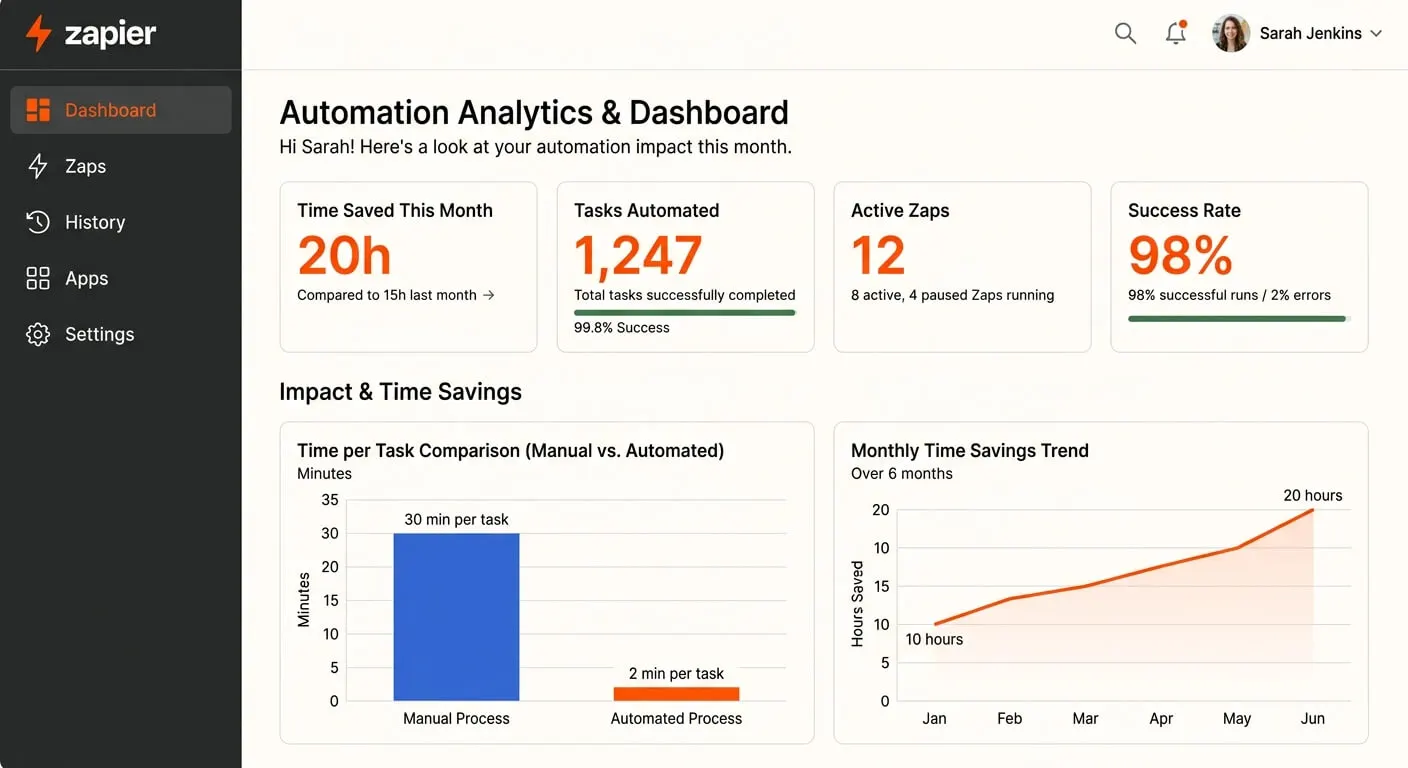
Zapier connects over 6,000 apps and remains the most accessible option for beginners. You create “Zaps” that trigger actions automatically. When a customer fills out your form, Zapier can add them to your CRM. It sends a welcome email. It notifies your sales team. All in seconds.
Pricing starts free for basic use. Paid plans begin at $19.99 per month. The learning curve is gentle. Most users build their first automation within 30 minutes.
The limitation? Complex workflows with multiple conditions get expensive quickly. Each “task” counts against your plan limit. See how Zapier compares with Make and n8n before you commit to a platform.
n8n: The Flexible Alternative
n8n offers similar visual workflow building with a crucial difference. You can self-host it for free. This matters for businesses handling sensitive data. It helps those wanting unlimited automations without per-task pricing.
The platform supports over 400 integrations natively. It also lets you create custom nodes for any app with an API. This flexibility makes it powerful but slightly more complex than Zapier.
Cloud-hosted plans start at $20 per month. Self-hosted is free forever. If your team includes someone comfortable with basic technical setup, n8n delivers exceptional value. My complete n8n guide covers everything you need to get started.
Microsoft Power Automate: The Enterprise-Adjacent Option
If your business runs on Microsoft 365, Power Automate integrates naturally. It connects well with Outlook, Teams, SharePoint, and Excel. Creating flows between these apps feels intuitive.
Power Automate is included in many Microsoft 365 business subscriptions. Standalone pricing starts at $15 per user per month. For Microsoft-heavy environments, it’s often the most cost-effective choice.
The downside is complexity outside the Microsoft ecosystem. Connecting non-Microsoft apps requires more effort than competitors.
Airtable Automations: Database Plus Workflows
Airtable combines spreadsheet simplicity with database power. Its built-in automations trigger based on record changes, dates, or form submissions. If you already use Airtable for project management, adding automations feels natural.
Automations are included in paid plans starting at $20 per seat per month. The tight integration between data and workflows reduces the need for multiple tools.
The limitation is scope. Airtable automations work best within Airtable itself. External integrations exist but feel less polished.
Notion Automations: For Knowledge-Heavy Businesses
Notion’s automation capabilities expanded significantly in 2025. You can now trigger actions based on database changes. Date-based triggers work well. Property updates start workflows automatically.
Automations are included in paid plans from $10 per user per month. The simplicity appeals to teams wanting basic automation without learning another platform.
Notion automations remain less powerful than dedicated tools. Complex multi-step workflows still require external solutions.
Best Tools for Specific Business Functions
General-purpose platforms handle many tasks. But specialised tools often outperform them in specific areas.
Specialised automation tools are purpose-built software focusing on one business function. Gartner analysis indicates that specialised tools typically achieve 40% faster implementation times compared to configuring general platforms. This efficiency matters when you need quick wins.
HubSpot: Marketing and Sales Automation
HubSpot’s automation capabilities span email marketing, lead scoring, and sales pipeline management. The visual workflow builder rivals dedicated automation platforms. Triggers based on email opens keep leads moving forward. Page visits start sequences. Deal stages prompt actions.
The free tier includes basic automation. Full marketing automation requires Marketing Hub Professional at $800 per month. That’s steep for small businesses. But the all-in-one nature reduces total tool spend.
For businesses serious about inbound marketing, HubSpot’s automation depth is hard to match. My guide to choosing marketing automation software covers how HubSpot stacks up against the alternatives.
QuickBooks and Xero: Financial Automation
Both major accounting platforms now include meaningful automation. Recurring invoices happen automatically. Payment reminders send without intervention. Bank feed rules categorise transactions. Expense categorisation works in the background.
QuickBooks starts at $30 per month. Xero begins at $15 per month. Both connect well with other business tools through native integrations.
See how connecting accounting software eliminates manual data entry in practice.
Calendly: Scheduling Automation
Calendly removes the back-and-forth of scheduling meetings. Prospects book directly into your calendar based on your availability. Automatic reminders reduce no-shows. Integration with video conferencing creates meeting links automatically.
The free plan covers basic scheduling. Professional features cost $12 per user per month. For service businesses and sales teams, the time savings justify the cost immediately.
Intercom: Customer Communication Automation
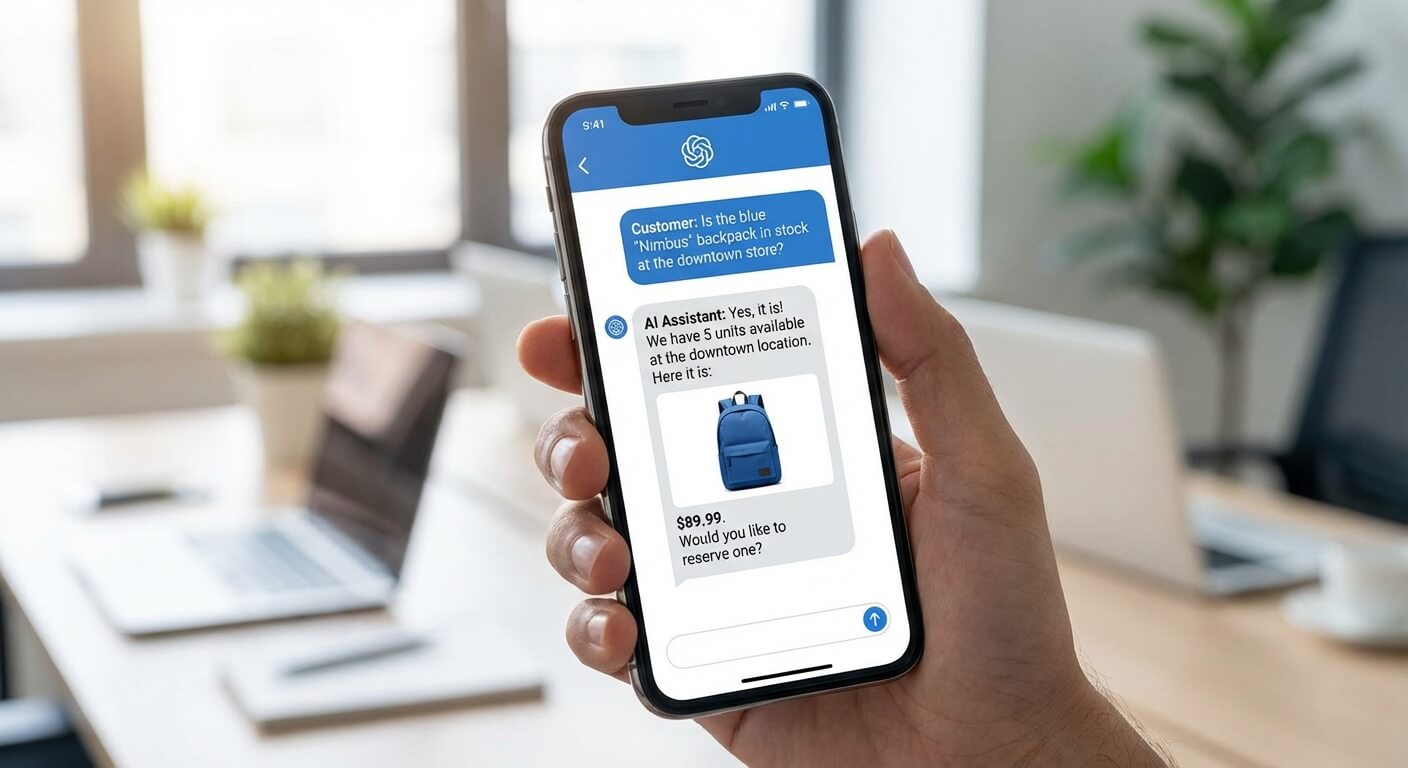
Intercom’s chatbots handle common customer queries around the clock. Resolution Bot answers FAQs instantly. Custom bots qualify leads. They route conversations appropriately. Response times drop dramatically.
Pricing starts at $74 per month. The AI capabilities improved dramatically in recent updates. Many businesses report handling 60% of queries without human involvement. Learn more about AI chatbots for customer service.
Mailchimp: Email Marketing Automation
Mailchimp’s automation features go beyond simple newsletters. Welcome sequences run automatically. Abandoned cart emails recover lost sales. Re-engagement campaigns win back inactive subscribers. The visual journey builder makes complex sequences manageable.
Free for basic use. Automation features require the Standard plan at $20 per month. For businesses focused primarily on email marketing, Mailchimp offers excellent automation value.

AI-Powered Automation Tools Worth Watching
AI transforms automation from simple if-then rules to intelligent decision-making. These tools represent the cutting edge of what’s possible in 2026.
AI-powered workflow automation uses machine learning to make decisions. It processes unstructured data. It improves over time. Early adopters gain significant competitive advantages.
OpenAI API and GPT-Based Workflows
Connecting ChatGPT’s API to your workflows enables intelligent text processing. Draft customer responses automatically. Summarise support tickets. Categorise feedback. Generate content variations without human input.
API pricing is usage-based. Typically $0.002 per 1,000 tokens for GPT-4. Integration requires some technical setup through platforms like n8n or Zapier. The possibilities expand constantly as AI capabilities improve.
Claude for Business Automation
Anthropic’s Claude offers an alternative to OpenAI with different strengths. Longer context windows handle larger documents. The tone often suits business communication better. Response quality varies by use case.
Pricing is comparable to OpenAI. Integration works similarly through API connections. Having multiple AI options lets you choose the best fit for each use case.
Document Processing with AI
Tools like Docsumo and Nanonets extract data from invoices automatically. They process contracts without manual input. Forms get converted to structured data. No more manual data entry from PDFs. The AI learns your document types. Accuracy improves over time.
Pricing varies by volume. Most offer free tiers for low usage. For businesses drowning in paperwork, these tools deliver immediate ROI. See my guide on document processing automation for implementation strategies.
How to Choose the Right Workflow Automation Tool
Start by mapping your actual needs. Which repetitive tasks consume the most time? Where do errors occur most frequently? What systems need to talk to each other?
Consider your technical comfort level honestly. Zapier works for anyone who can use email. n8n requires slightly more technical confidence. Some AI integrations need developer support.
Budget matters, but calculate total cost. A $50 per month tool that saves 10 hours weekly delivers better value than a free tool saving one hour. Factor in implementation time too.
Start small. Pick one workflow causing daily frustration. Automate it. Learn the tool. Then expand. Trying to automate everything simultaneously leads to abandoned projects.
My how to choose AI tools guide provides a detailed framework for evaluating options.
Getting Started: Your First Automation
The best first automation is something you do daily that follows consistent rules. Email filing works well. Lead notifications are simple. Invoice reminders deliver quick wins. Calendar updates save time immediately.
Document your current process first. Write down each step. Identify the trigger that starts the process. List every action that follows. This map becomes your automation blueprint.
Build the automation in stages. Get the trigger working first. Add one action at a time. Test after each addition. This approach catches problems early when they’re easy to fix.
Frequently Asked Questions
What is the easiest workflow automation tool for beginners?
Zapier remains the most beginner-friendly option in 2026. Its interface requires no technical knowledge. Templates for common automations get you started in minutes. The extensive app library means you can likely connect whatever tools you already use.
How much do workflow automation tools typically cost?
Most tools offer free tiers with limited features. Paid plans typically range from $15 to $50 per month for small business needs. The key metric is ROI, not absolute cost. A $30 monthly tool saving five hours weekly delivers exceptional value.
Can I use multiple automation tools together?
Yes, and many businesses do exactly this. You might use Zapier for simple connections. HubSpot handles marketing automation. QuickBooks manages financial workflows. The key is avoiding overlap that creates confusion.
How long does it take to see results from workflow automation?
Simple automations deliver immediate results. The moment your first automation runs, you’ve saved time. More complex implementations might take weeks to fully optimise. Most businesses report significant time savings within the first month.